Why does my iPhone ringtone start late? How to remove the silence at the start
Published November 2, 2026 · 5 min read
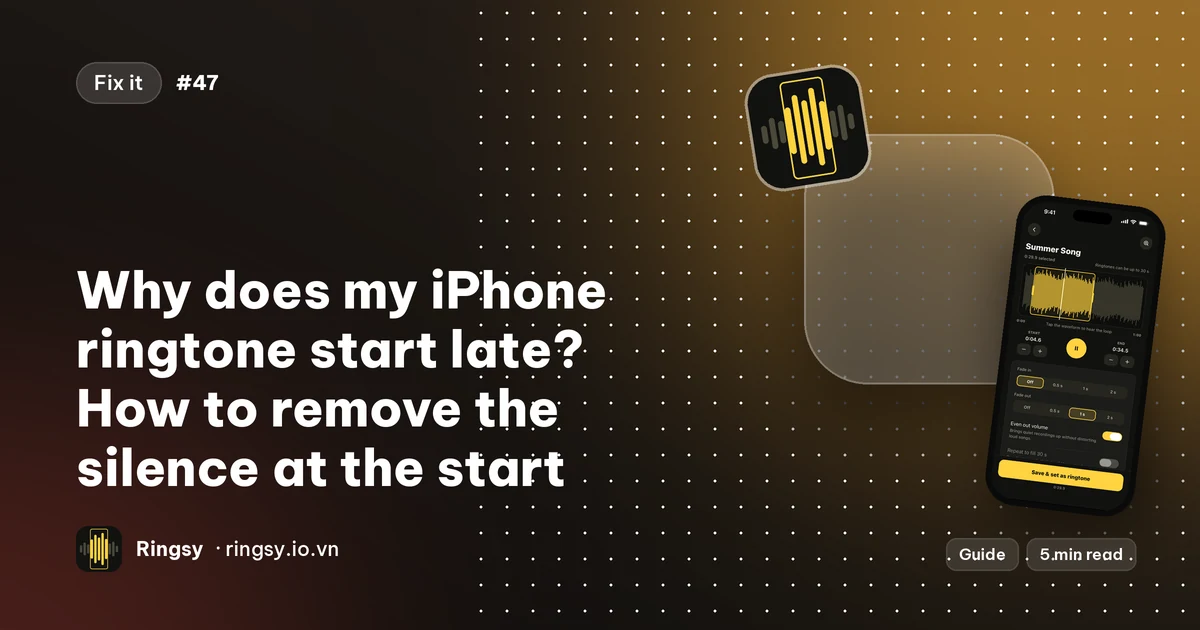
When a custom ringtone seems to start late, the quiet is almost always inside the sound file itself: songs, voice messages and recordings often open with a breath of silence or a soft intro, and the phone plays that faithfully before anything audible happens. Trimming the start so the first sound sits right at the beginning fixes it.
This guide shows how to confirm that is the cause, how to trim it on an iPhone, and what else can make a ring feel late.
Why does my custom ringtone start late?
A ringtone is played from its first sample. If the file begins with half a second of silence, a slow fade-in, or a quiet intro before the part you wanted, that is what you hear first. On a short ring that is a big share of what the caller waits through, and it is easy to pick up the phone just after the sound finally starts.
Typical culprits are a song with a quiet intro, a voice memo where you started recording a moment before speaking, an audio clip taken from a video, and a trim that was made a little early.
How do you check for silence at the start?
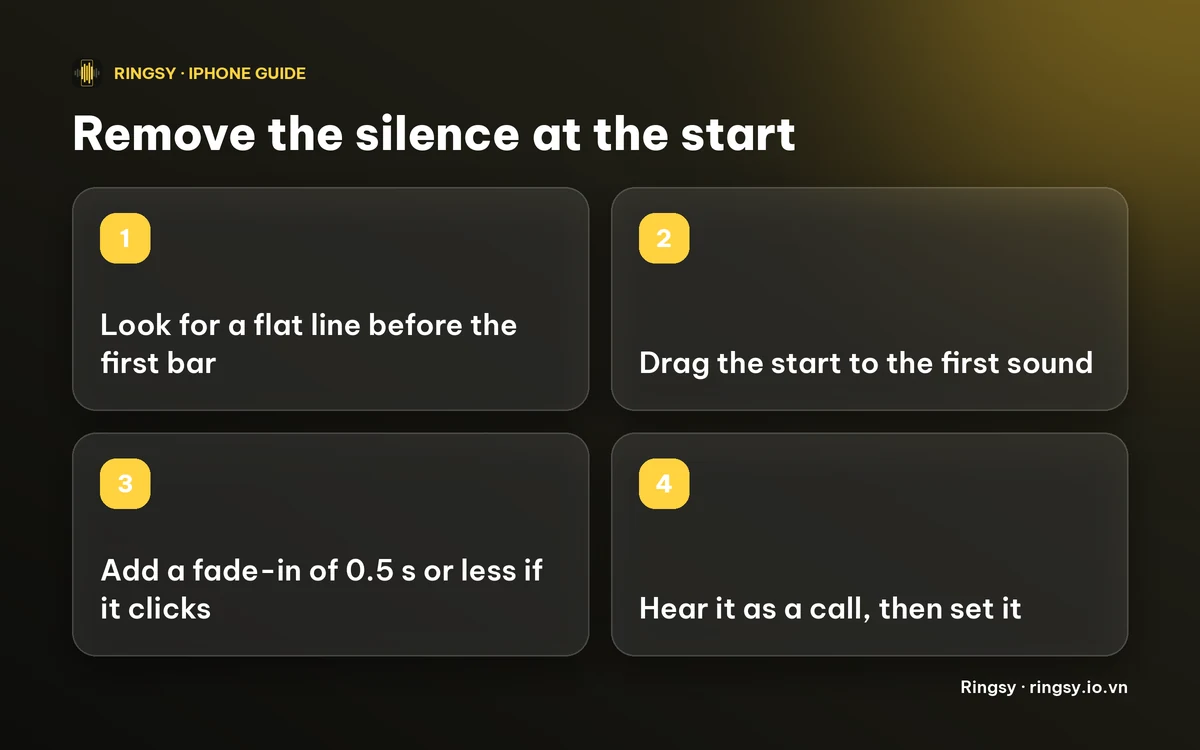
- Look at the waveform. In any audio editor, a flat line before the first bar is silence. Zoom in on the first second.
- Listen from the start, not from the middle. Tap the tone in Settings › Sounds & Haptics › Ringtone and count how long it takes for the sound to come in.
- Test with a real call if you can, because a ring on a phone in a pocket or across a room makes a late start much more obvious.
How do you trim the start of a ringtone on iPhone?
You need to cut the quiet part off the beginning and then add the trimmed sound to your ringtones again, because a ringtone already in the list cannot be edited in place.
- 1Open the audio in an editor that shows a waveform, such as GarageBand or Ringsy.
- 2Move the start of the selection to just before the first audible sound, not on top of it.
- 3Keep the whole selection under 30 seconds, the limit for an iPhone ringtone.
- 4Export it as a ringtone and choose it in Settings › Sounds & Haptics › Ringtone.
On iOS 26 the share sheet has “Use as Ringtone”; on iOS 17–18 the route goes through GarageBand. Menus can differ a little between iOS versions.
Why does the ringtone click or pop after trimming?
If you cut in the middle of a loud sound, the file begins with a sudden jump instead of from zero, and some people hear a small click. Two fixes help: move the start a hair earlier or later to a quieter spot, or add a very short fade-in. A fade of half a second or less softens the start without making it sound late.
Do not use a long fade-in on a ringtone you want to be heard quickly: a one or two second fade is a gentle-wake effect, which is the opposite of what you want here.
What else makes a ring feel late?
- Your phone is on Silent or inside a Focus, so the sound starts but you do not hear it.
- The ringtone is the quiet kind: a thin tone that begins softly. Our guide on making an iPhone ringtone louder covers that.
- The call itself is slow to arrive. That is the network, not the tone.
If it is the tone, the quickest test is a different built-in ringtone: if that rings promptly, the culprit is the start of your custom file.
How Ringsy helps
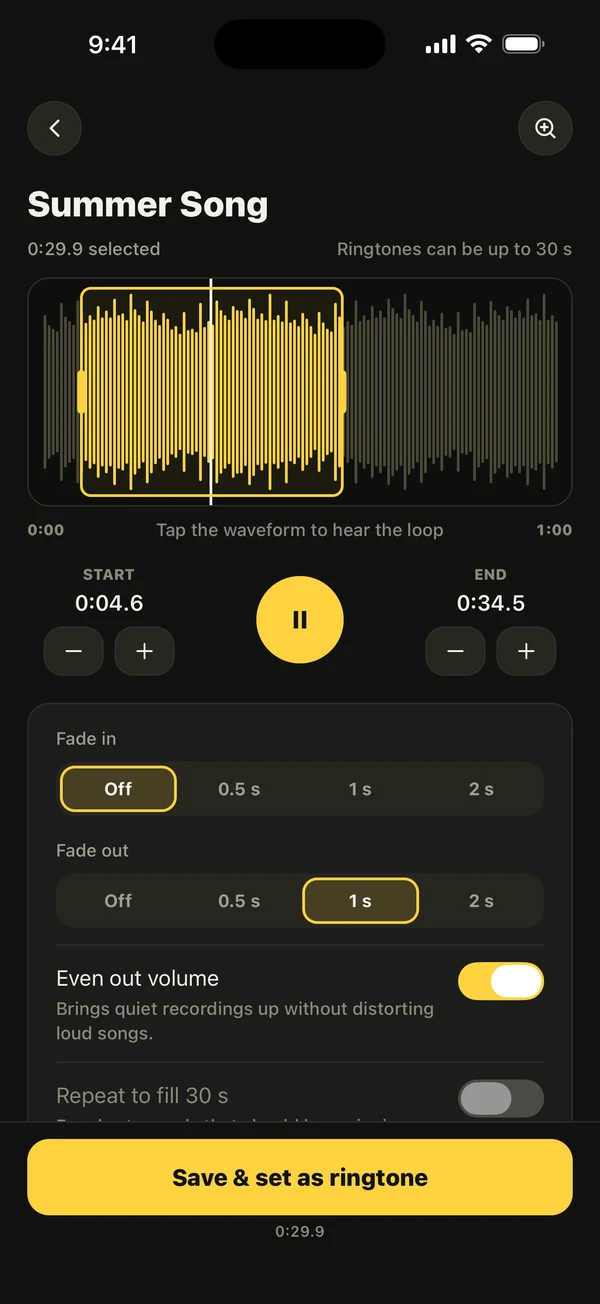
Ringsy opens a sound on a waveform with a yellow selection frame, so silence at the start is a flat stretch you can see. Drag the left edge to the first sound, zoom in, and nudge the start by a tenth of a second until it sounds right. Tap to hear the loop, or use “Hear it as a call” to listen to it ring full screen before you set it.
Best part, a suggestion of the most recognisable stretch of a song, picks a start on a strong beat and avoids silent stretches, though you can still move it yourself. Fade in can be off, or 0.5, 1 or 2 seconds, and Even out volume is on by default. Then tap “Save & set as ringtone”. Sounds stay on your phone. The free plan includes two exported ringtones; Ringsy Unlimited is a one-time purchase with no subscription.
Quick facts
- A ringtone plays from its first sample, so silence in the file is silence on the phone.
- A flat line before the first bar on the waveform is the quiet to cut.
- An iPhone ringtone has to be shorter than 30 seconds.
- A fade-in of half a second or less removes a click without making the start late.
Frequently asked questions
- Why does my iPhone ringtone have a delay before the sound?
- Usually the file starts with silence or a quiet intro, and the phone plays it as it is. Trim the start so the first sound is at the very beginning.
- Can I fix a ringtone that is already on my iPhone?
- Not by editing it there. Make a trimmed copy from the original audio, add it as a new ringtone and pick it in Settings. You can delete the old one afterwards.
- Will a fade-in make my ringtone start later?
- A long one will. Keep it to half a second or less if you only want to avoid a click, and use none if the sound already starts cleanly.
- Can Ringsy remove the silence automatically?
- Not as a single button. You drag the selection start to the first sound on the waveform, and Best part can suggest a start away from silent stretches. You can always adjust it by hand.