iPhone ringtone keeps changing back to the default? Why it happens and how to fix it
Published November 5, 2026 · 6 min read
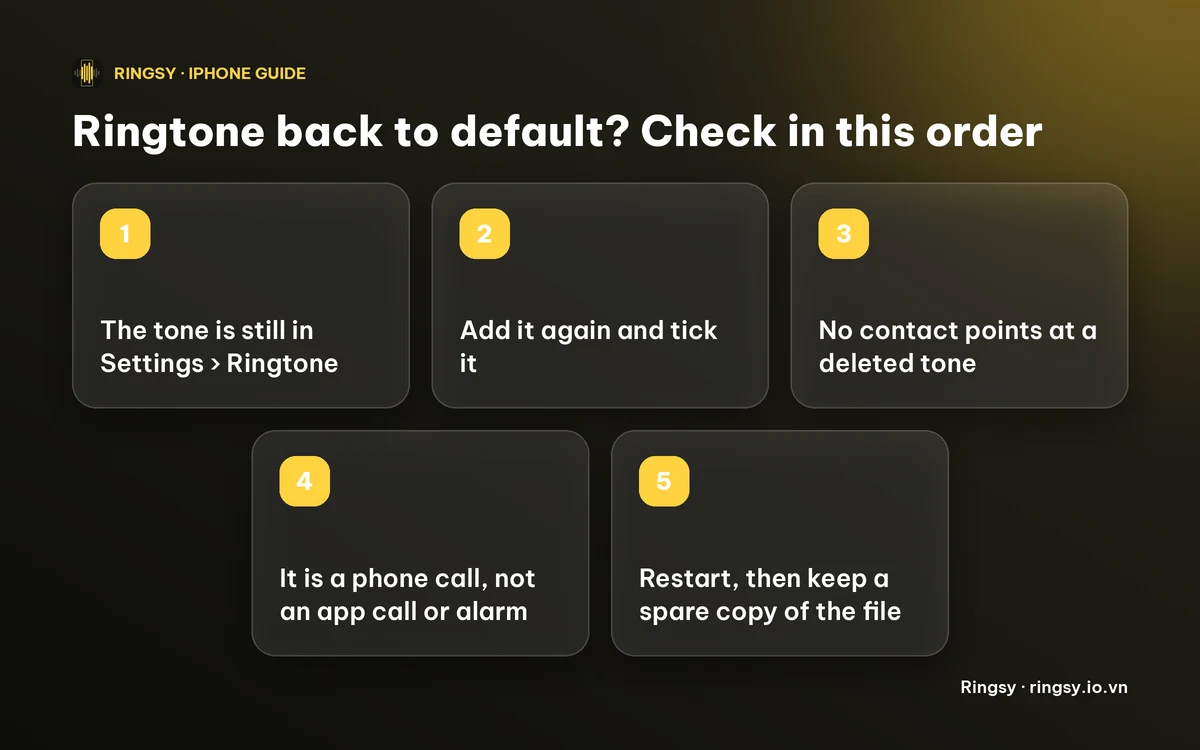
When a custom ringtone turns back into the default, the usual reason is that the tone is no longer in the phone's list, so the iPhone falls back to the built-in one. Less often, a contact is set to a different tone, the call is coming through another app, or it is a software glitch. Check the tone list first, then contacts, then the type of call.
Apple does not publish a fixed list of causes for this, and forum threads show that some people see it with no clear reason. The steps below are the ones that are in your control.
1. Is the tone still in the list?
Open Settings › Sounds & Haptics › Ringtone. Custom tones are listed at the top, above the built-in ones, and the current one has a tick.
- If the tone is missing, the phone has nothing to play and uses the default. Common reasons are that it was deleted, it did not come across after a restore or a move to a new iPhone, or it was removed while tidying up.
- If it is there but not ticked, tap it once and listen to the preview. Then close Settings completely and open it again to see whether the tick stayed.
2. Add the tone back and set it again
If the tone is gone, add it again from the audio file. On iOS 26, open the file in Files, tap Share and choose Use as Ringtone. On iOS 17 and 18 the route is GarageBand: share the project as a Ringtone, then choose Standard Ringtone. Our guide to making a ringtone without a computer has both.
Then tick it in Settings › Sounds & Haptics › Ringtone. The sound must be under 30 seconds, or the phone will not offer it.
3. Does a contact point somewhere else?
Each contact can have its own ringtone, and that overrides your default for that person. Open the contact, tap Edit, then Ringtone.
- If it says Default, that person rings with whatever is ticked in Settings. If the global tone was lost, they sound like the default too.
- If it names a tone that you deleted or replaced, set it again. People often report that a contact quietly falls back to the default after the tone it used has gone.
There is no single screen that lists every contact's ringtone, so check the few people who matter most.
4. Is it really a phone call?
- Calls in WhatsApp, Zalo, Messenger and similar apps use that app's own sound, not your iPhone ringtone.
- The Text Tone and the alarm sound are separate settings from the Ringtone. A text tone that sounds like the default has to be changed under Text Tone, and an alarm under Clock › Alarm › Sound.
- A call that also rings an iPad or a Mac signed in to the same Apple Account can play that device's own ringtone.
5. Restart, update, and the awkward case
Restart the iPhone, set the tone again and test it with a real call from a friend. If you recently updated iOS, install the newest point release in Settings › General › Software Update.
Some people report the tone reverting again after a few days even though the file is in the list. If that happens, there is no known fix from our side. Re-adding the tone, restarting, and then contacting Apple Support are the sensible steps, and keeping a copy of the audio means you can re-set it in a minute.
6. Keep a spare copy
Save the trimmed audio (not the whole song) in a Ringtones folder in iCloud Drive or Files. Whenever the tone vanishes, you can set it again from there without rebuilding it. Our guide to keeping your tones on a new iPhone has the routine.
Where Ringsy helps
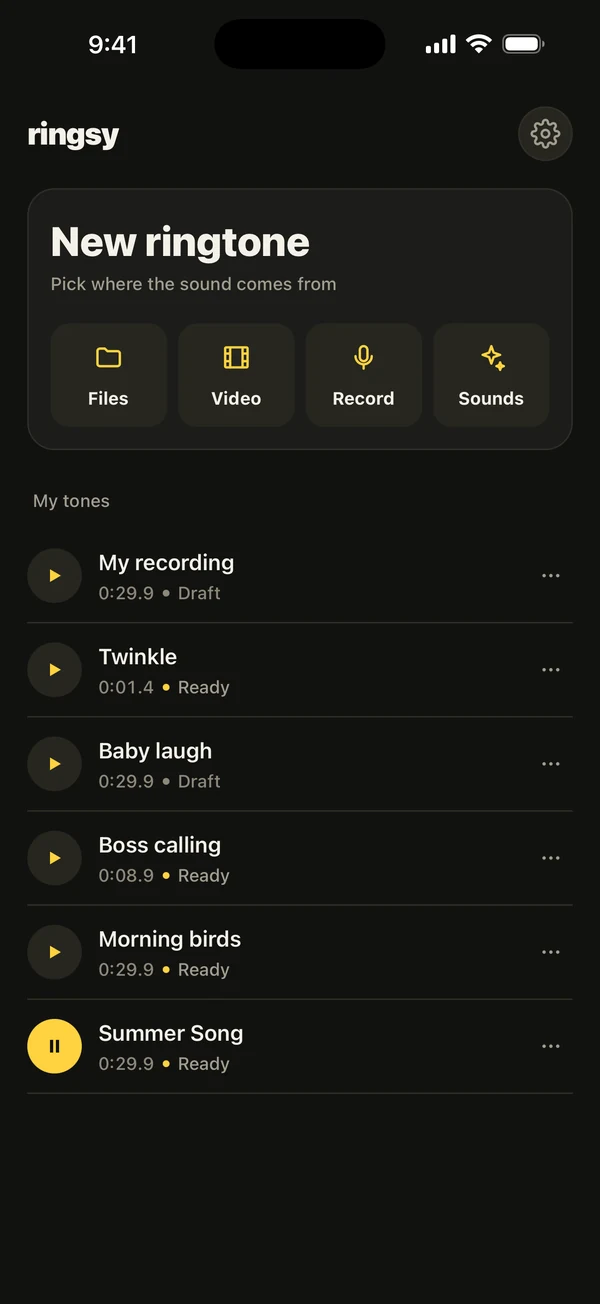
Ringsy keeps every tone you make in its My tones library on your iPhone, with its length and a status. When iOS drops a tone, you do not have to start over: open the library, tap the ⋯ menu and choose Set as ringtone. On iOS 26 that opens the share sheet where you tap Use as Ringtone; on iOS 17 and 18 the app walks you through GarageBand and also gives you an .m4r file. The export screen has Save to Files, which is how you keep a spare copy in iCloud Drive.
Ringsy cannot stop iOS from resetting a ringtone, and it cannot change which sound another app plays. Two exports are free, and re-exporting the same tone after an edit does not use another one. More than that is Ringsy Unlimited, a one-time purchase with no subscription. Sounds are edited on your iPhone and are not uploaded.
Quick facts
- A missing tone is the most common reason the default plays.
- Custom tones are at the top of Settings › Sounds & Haptics › Ringtone.
- A contact's own ringtone overrides the default for that person.
- Calls in other apps, text tones and alarms use different sounds.
Frequently asked questions
- Why does my iPhone keep going back to the default ringtone?
- Most often the custom tone is no longer in Settings › Sounds & Haptics › Ringtone, so the phone uses the built-in one. Check the list, add the tone again, then check any contact that has its own ringtone.
- Why does only one contact ring with the default?
- That contact is probably set to Default, or to a tone that no longer exists. Open the contact, tap Edit, then Ringtone and pick the tone again.
- Why does my ringtone change back after an iOS update?
- Some people report it, and Apple does not document a cause. Check that the tone is still in the list, set it again, restart, and contact Apple Support if it keeps happening.
- Does a WhatsApp call use my custom ringtone?
- No. Calls in WhatsApp and similar apps use that app's own sound, so a custom iPhone ringtone does not apply.