Why does my custom iPhone ringtone sound distorted or muffled?
Published November 4, 2026 · 6 min read
When a custom ringtone crackles, buzzes or sounds muddy while the stock tones sound fine, the problem is almost always the sound file, not the phone. The usual causes are a file that was made too loud (clipping), a poor or heavily converted source, bass that a phone speaker cannot reproduce, and an effect that adds distortion on purpose. A damaged or blocked speaker is the one cause outside the file, and one quick test tells you which side you are on.
1. First, is it the phone or the file?
Open Settings › Sounds & Haptics › Ringtone and tap a few built-in tones, then your custom one, at the same volume.
- If the built-in tones are clean and only yours is distorted, the file is the cause. Keep reading.
- If the built-in tones crackle too, and other sounds on the phone do as well, suspect the speaker: a case or screen protector covering it, dirt or lint in the grille, or water or damage. Restart the phone, remove the case and, if it persists, contact Apple Support.
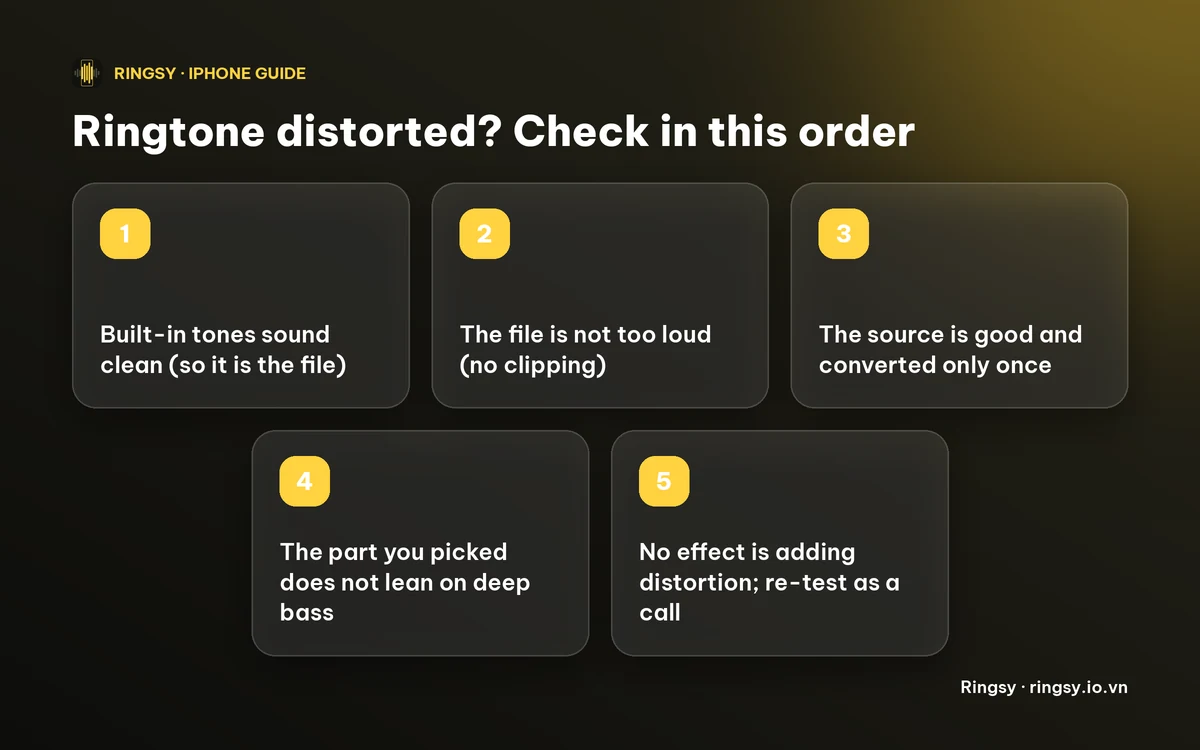
2. Was the file made too loud (clipping)?
Digital audio has a ceiling. If a recording is boosted past it, the loudest peaks are cut flat, which sounds like crackle or a harsh buzz, and it is worse on a small speaker. Raising the gain in an editor, or stacking a boost on a song that is already loud, is the usual way to get there.
The fix is to lower the level until the loudest moment sits a little below the maximum, then re-export. An editor with a normalise option can do this in one step. Turning the file up further will not make the ringtone louder in a useful way; if it is still too quiet, raise the ringer volume instead.
3. Is the source poor or converted too many times?
Most ringtone formats are lossy, which means each re-encode throws away a little detail. A low-quality MP3, a clip from a video that was already compressed, or a file that has been converted several times in a row will sound thin or watery, and the ringtone inherits every flaw.
- Start from the best copy you have, such as the original download or the original video, not a copy that was forwarded through a chat app.
- Convert once. Avoid chains such as video to MP3 to a second app to another file type.
- A voice recorded in a noisy place or far from the microphone will sound muddy however you export it. Record again closer to the microphone.
4. Does the part you chose need bass the speaker does not have?
A phone's speaker is tiny and cannot reproduce deep bass. A section built on a heavy bassline or a sub-bass drop can sound boomy or muffled, and the speaker may rattle when it is loud. Vocals, guitars, bells and other mid-range sounds usually come through clearly.
Try another stretch of the song, one led by the voice or a lead instrument, and listen to it through the phone's own speaker rather than headphones, because headphones hide the problem.
5. Did an effect add it?
Some voice effects are meant to distort: a robot voice, an echo with a long tail, or reverb in a big room will not sound like a clean recording. If you added one, compare with the original, or lower the effect. A very high or very low pitch shift can also sound strange.
6. Re-test the right way
Change one thing at a time. After each change, listen to the tone in Settings › Sounds & Haptics › Ringtone at the ringer volume you actually use. Better still, have a friend call you, since the real ring is what matters.
If you replaced a ringtone that you had already set for a contact, check that the contact is using the new one, because it may still point to the old file.
Where Ringsy helps
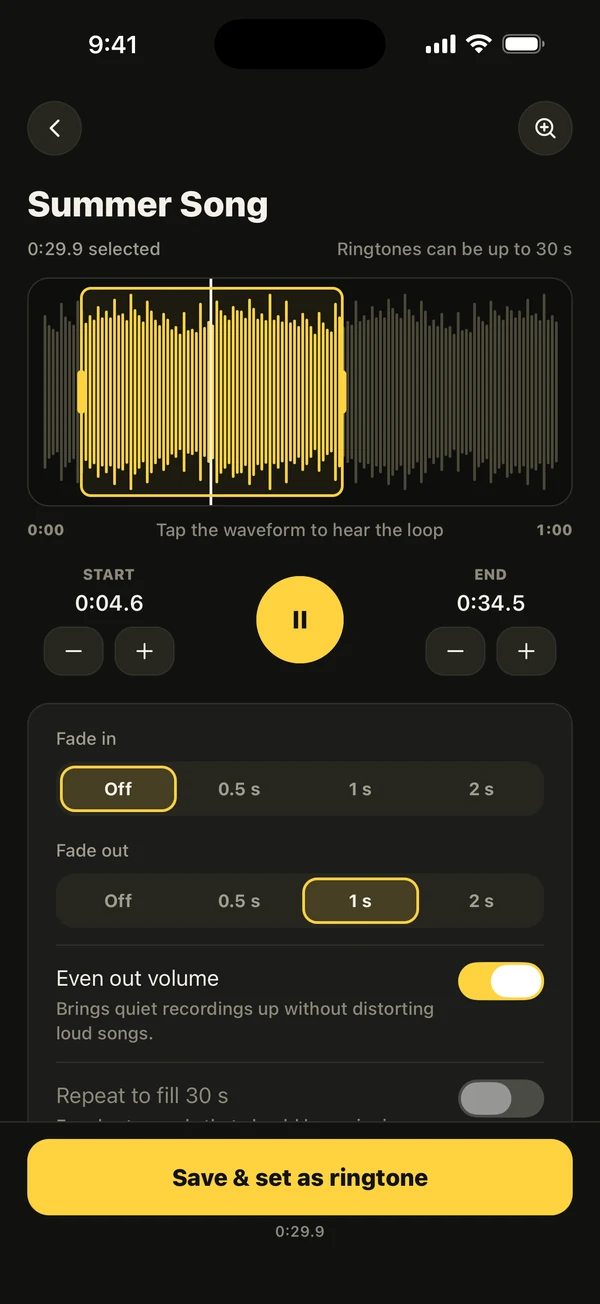
Ringsy is where you fix the file, not the speaker. Its Even out volume switch is on by default: it brings a quiet recording up and keeps the loudest point just under the maximum (about −1 dB), so a loud song is not pushed into clipping. You can switch it off, which is useful to compare, but even then the app scales down anything that would go over the maximum. The effects (Chipmunk, Deep, Fast, Slow, Echo, Hall, Robot, Reverse) are previewed before you pick one, so a deliberate distortion such as Robot is a choice you hear first.
On the waveform you can choose a different stretch of the song, away from a bass-heavy section, and tap to hear it before you set it. The finished tone is saved as AAC, at 256 kb/s for stereo and 128 kb/s for mono, in a single step from your source, so it is not converted again and again. Ringsy cannot repair a damaged speaker or improve a recording that was poor to begin with. Sounds are edited on your iPhone and are not uploaded.
Two exports are free, and re-exporting the same tone after an edit does not use another one. More than that is Ringsy Unlimited, a one-time purchase with no subscription.
Quick facts
- If built-in tones sound clean and your custom tone does not, the file is the cause.
- Crackle and buzz usually mean clipping: lower the level, do not raise it.
- Each lossy conversion costs some quality, so convert once from the best source.
- Phone speakers cannot play deep bass; choose a section led by the voice or mid-range.
Frequently asked questions
- Why does my custom ringtone sound worse than the original song?
- Usually the file was made too loud and clips, the source was low quality or converted several times, or the part you chose depends on bass the phone speaker cannot play. Compare it with a built-in tone first to rule out the speaker.
- Why does my ringtone crackle only at full volume?
- A file that is already close to clipping can crackle more as the ringer volume rises. Lower the file's level and re-export it. If every sound on the phone crackles at full volume, have the speaker checked.
- Does converting to M4R lower the quality?
- A ringtone is a lossy file, so each re-encode can lose a little detail. Convert once from the best source and avoid chains of conversions.
- How do I know if the speaker is broken?
- Play the built-in ringtones and other sounds at the same volume. If they are distorted too, remove the case, check the speaker grille for dirt, restart and contact Apple Support if it continues.