Can you give unknown callers their own ringtone on iPhone?
Published October 31, 2026 · 5 min read
We could not find a setting that gives numbers outside your contacts their own ringtone. What iPhone does have is a default ringtone, and that default is exactly what an unknown number gets, so the trick is to turn the idea around.
This guide shows that workaround step by step, what to do if unknown calls never ring at all, and what a Focus can and cannot do here.
Why is there no ringtone for unknown callers?
Ringtone is a field on a contact’s card, so it can only belong to someone you have saved. For everyone else, iPhone plays the default ringtone from Settings › Sounds & Haptics › Ringtone. We found no separate option for numbers that are not in Contacts, and Apple’s support pages describe only the per-contact ringtone.
Menus change between iOS versions, so if a newer version adds one, use it. Until then, the workaround below works on every version.
How do you make unknown callers sound different?
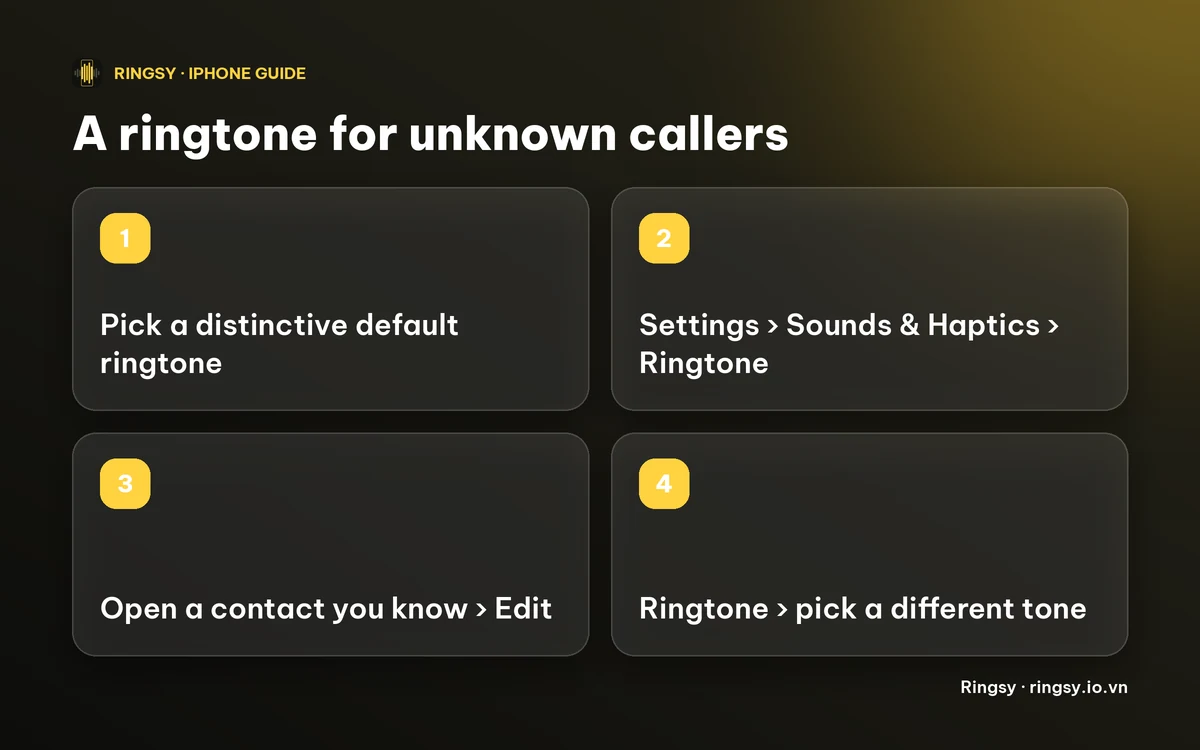
Because anyone without their own tone gets the default, make the default your “unknown caller” sound and give a different tone to the people you know.
- 1Pick or make a tone that is easy to recognise and a little neutral, so it tells you “someone I haven’t saved”.
- 2Go to Settings › Sounds & Haptics › Ringtone and choose it as your default. On the same screen you can also pick a vibration pattern for it.
- 3Open Contacts, tap a person you want to recognise, tap Edit, then Ringtone, and pick a different tone. Tap Done.
- 4Repeat for family, close friends and work. Our guide on setting a ringtone for one contact has the details.
The catch: this only covers people you give a tone to. A saved contact you never customise also rings with the default, and a contact without their number on the card is treated as unknown. So do the people who matter most first.
Can a Focus do it instead?
A Focus decides whether the phone rings, not which tone plays. You can set one to allow calls only from your contacts or favourites, so other numbers are silenced and arrive as missed calls or voicemail. That is useful at night, but it will not give unknown callers a sound of their own.
What if unknown calls never ring?
Check the screening setting first. On iOS 26, open Settings › Apps › Phone › Screen Unknown Callers. Silence sends numbers that aren’t in your contacts straight to voicemail without ringing; Ask Reason for Calling has the iPhone answer them first and only rings once the caller says who they are; Never lets every call ring. On iOS 17 and 18 the equivalent is Silence Unknown Callers in the Phone settings.
If you wait for deliveries, customers or a doctor’s office, Never is the setting that lets those calls through. Our guide on an iPhone not ringing walks through the other causes.
How Ringsy helps
Ringsy makes the tone; the last step, choosing it as the default or on a contact, is always yours in Settings or Contacts, because iOS does not let any app do that for you.
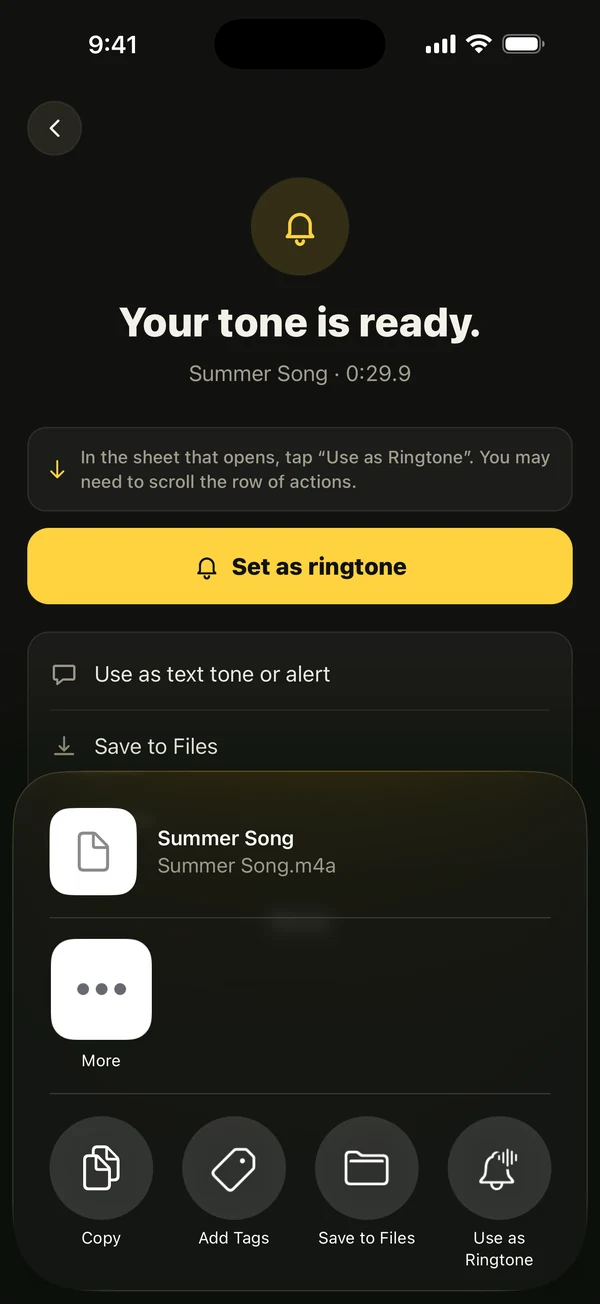
For the unknown-caller sound, Ringsy’s Name tool can speak a line you type, for example “Unknown number calling”, with one of the iPhone’s own voices, an optional background tone and a repeat count of 1, 2, 3 or 5. You can also use a song file, a video’s soundtrack or a recording instead. Trim it on the waveform and tap “Save & set as ringtone”, which on iOS 26 opens the share sheet with “Use as Ringtone”. On iOS 17–18 it walks you through GarageBand.
The text you type and the sound never leave your phone. The free plan includes two exported ringtones; Ringsy Unlimited is a one-time purchase with no subscription.
Quick facts
- We found no ringtone setting for numbers outside your contacts.
- The default ringtone is what unknown numbers and uncustomised contacts get: Settings › Sounds & Haptics › Ringtone.
- Give your important people their own tone in Contacts › Edit › Ringtone.
- To let unknown calls ring, set Screen Unknown Callers (iOS 26) or Silence Unknown Callers (iOS 17–18) to Never or Off.
Frequently asked questions
- Can I set a different ringtone for unknown numbers on iPhone?
- We could not find a setting for it. Unknown numbers get your default ringtone, so make that the unknown-caller sound and give your contacts their own tones.
- Will a contact I never customised ring like an unknown caller?
- Yes. Any contact without their own ringtone also rings with the default tone.
- Why do unknown numbers not ring at all?
- Screen Unknown Callers (iOS 26) or Silence Unknown Callers (iOS 17–18) may be on, or a Focus may be filtering calls. Set screening to Never and check your Focus.
- Can Ringsy set the ringtone for unknown callers?
- No, and iOS does not let any app do that. Ringsy makes the tone and adds it to your iPhone; you choose it as the default in Settings.