Can you use a custom ringtone on Apple Watch?
Published October 25, 2026 · 4 min read
No: as far as Apple documents it, an Apple Watch cannot use a ringtone you made yourself. It only offers a short list of Apple’s own ringtones, and a custom tone you added to your iPhone does not carry over to the watch.
This guide explains what you can change on the watch, where the setting is, why the iPhone and the watch can sound different for the same call, and how to make sure your own tone at least plays on the iPhone.
Why doesn’t my custom ringtone play on my watch?
A custom ringtone lives in the iPhone’s own sound list. The watch has a separate, smaller list that you cannot add files to: the Watch app has no import button, and the share sheet’s Use as Ringtone action only exists on the iPhone.
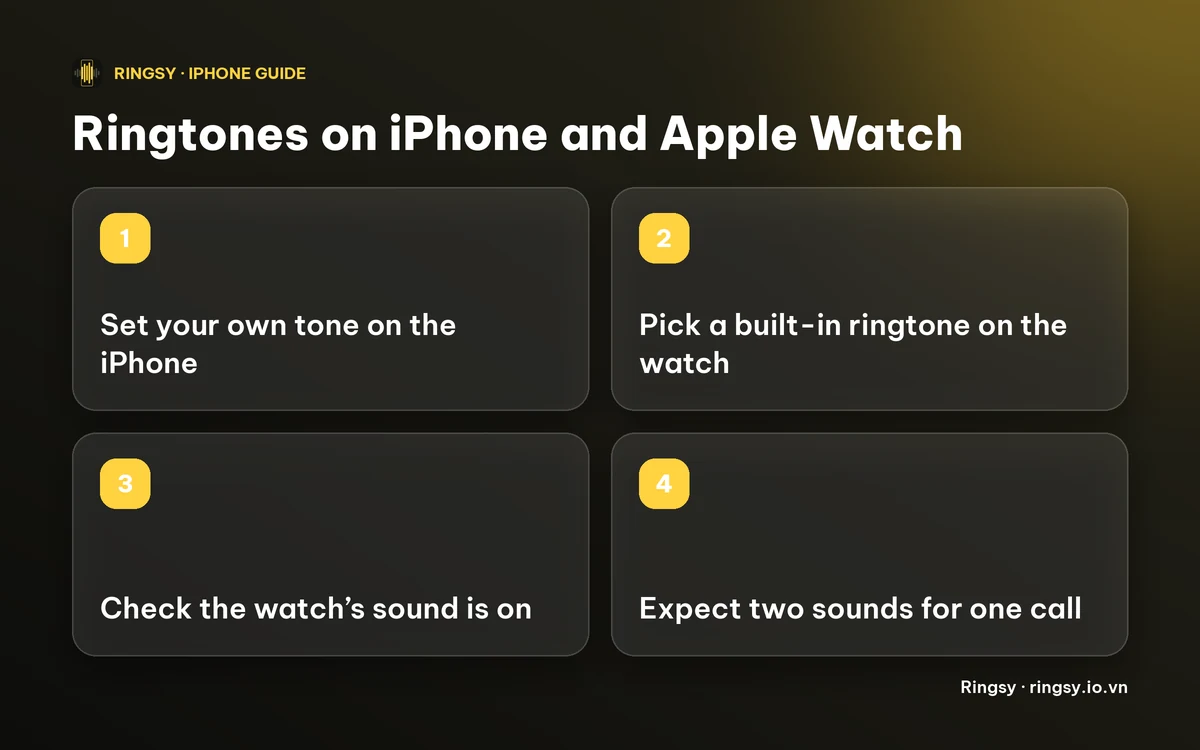
So when a call rings on both devices, the iPhone plays your tone and the watch plays one of its built-in ringtones, or only taps your wrist if its sound is off.
Can I at least choose a different watch ringtone?
It depends on the watchOS version. Before watchOS 11 the watch had a single fixed ringtone. From watchOS 11 you can pick from a short list of built-in ones. If you do not see the setting, update the watch first.
- 1On the watch, open Settings › Sound & Haptics › Ringtone and tap a sound, or
- 2On the iPhone, open the Watch app › My Watch › Sound & Haptics › Ringtone.
Menu names can shift slightly between versions, so look for Sound & Haptics if yours differs.
Does the watch ring at the same time as the iPhone?
Often both ring at once, which is why you hear two different sounds. The watch’s Sound & Haptics page also has the sound and haptic switches, and putting the watch on silent mode keeps its sound off while the iPhone still rings. If neither device rings, our checklist for an iPhone that does not ring for incoming calls covers Focus, Silent mode and the other usual causes.
How do I make sure my own tone plays on the iPhone?
The tone has to be on the iPhone and selected there:
- 1Make or get the tone, shorter than 30 seconds and not copy-protected.
- 2Add it with Use as Ringtone (iOS 26) or GarageBand (iOS 17 and 18).
- 3Pick it in Settings › Sounds & Haptics › Ringtone, or give one contact their own sound in Contacts › Edit › Ringtone.
Our guide to changing your ringtone on iPhone walks through each of these. A contact’s custom ringtone also only applies on the iPhone, not on the watch.
What about a custom vibration on the watch?
The watch’s haptics are separate from its ringtone, and a custom pattern you made on the iPhone does not appear there either. Check Sound & Haptics on the watch for the options your version offers.
Where Ringsy fits
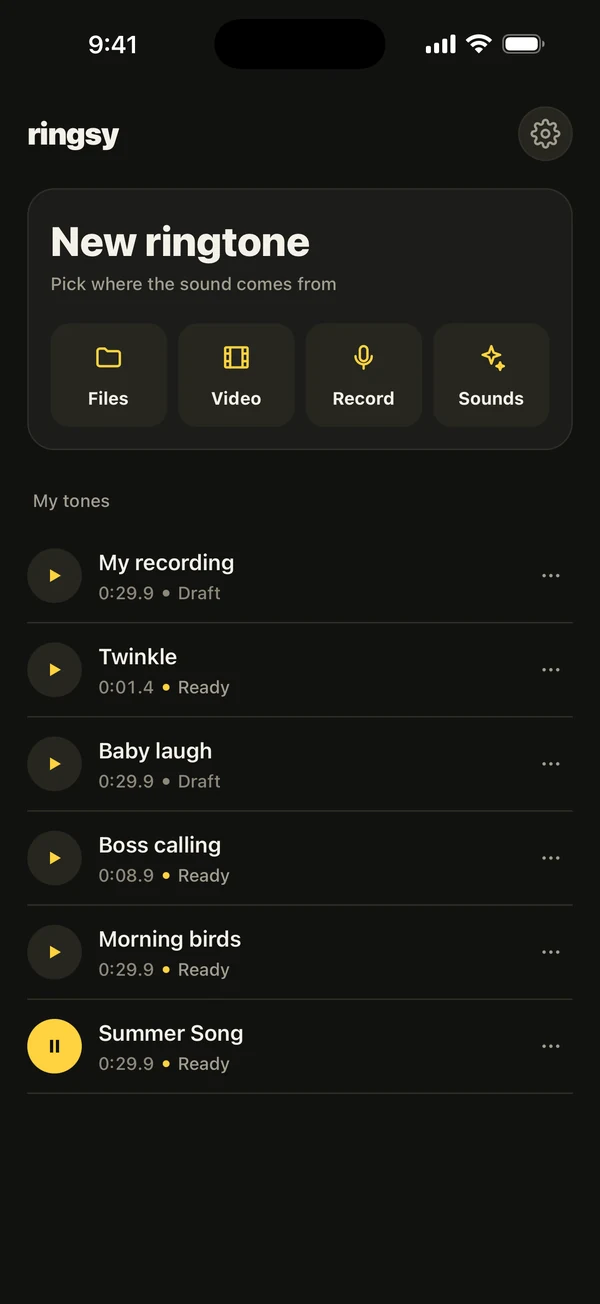
Ringsy makes tones for the iPhone, not for the watch, so it will not change what the watch plays. It is useful for the iPhone half: open a song from Files, a video’s sound or a recording, trim up to 29.9 seconds, then tap Save & set as ringtone. Opening, trimming and hearing a sound are free, your first two exports are free in total, and after that Ringsy Unlimited is a one-time purchase with no subscription. Sounds are processed on the iPhone and nothing is uploaded.
Quick facts
- Apple Watch cannot use a custom ringtone; it offers Apple’s built-in ones.
- From watchOS 11 you can choose among them; older versions have one.
- A tone you add on the iPhone, including a per-contact one, plays on the iPhone only.
- Both devices can ring for the same call, so you may hear two sounds.
Frequently asked questions
- Can I put my own song as a ringtone on Apple Watch?
- No. The watch only offers Apple’s built-in ringtones, and there is no way to import a song or recording into that list.
- How do I change the ringtone on my Apple Watch?
- On watchOS 11 or later, open Settings › Sound & Haptics › Ringtone on the watch, or the Watch app on the iPhone, and choose from the list. Older versions have no choice.
- Why does my watch ring differently from my iPhone?
- They use separate sound lists. The iPhone plays the tone you selected there, including a custom one, and the watch plays its own built-in ringtone.
- Does Ringsy work with Apple Watch?
- No, Ringsy makes ringtones, text tones and alert sounds for the iPhone. It does not change the sound the watch plays.